Recuro.
Now in public beta

Run background jobs
in the cloud.

Point Recuro at any URL. Trigger instantly, delay by minutes or days, or set a recurring cron. We handle execution, retries, logging, and alerts — so you don't have to.

terminal
# Schedule a job with one API call
curl -X POST https://app.recurohq.com/api/jobs \
  -H "Authorization: Bearer $API_TOKEN" \
  -d '{
    "queue": "emails",
    "url": "https://api.yourapp.com/send",
    "payload": { "to": "[email protected]" }
  }'

How it works

Three ways to run HTTP jobs

Instant, delayed, or recurring. All fully logged, retried, and alerted.

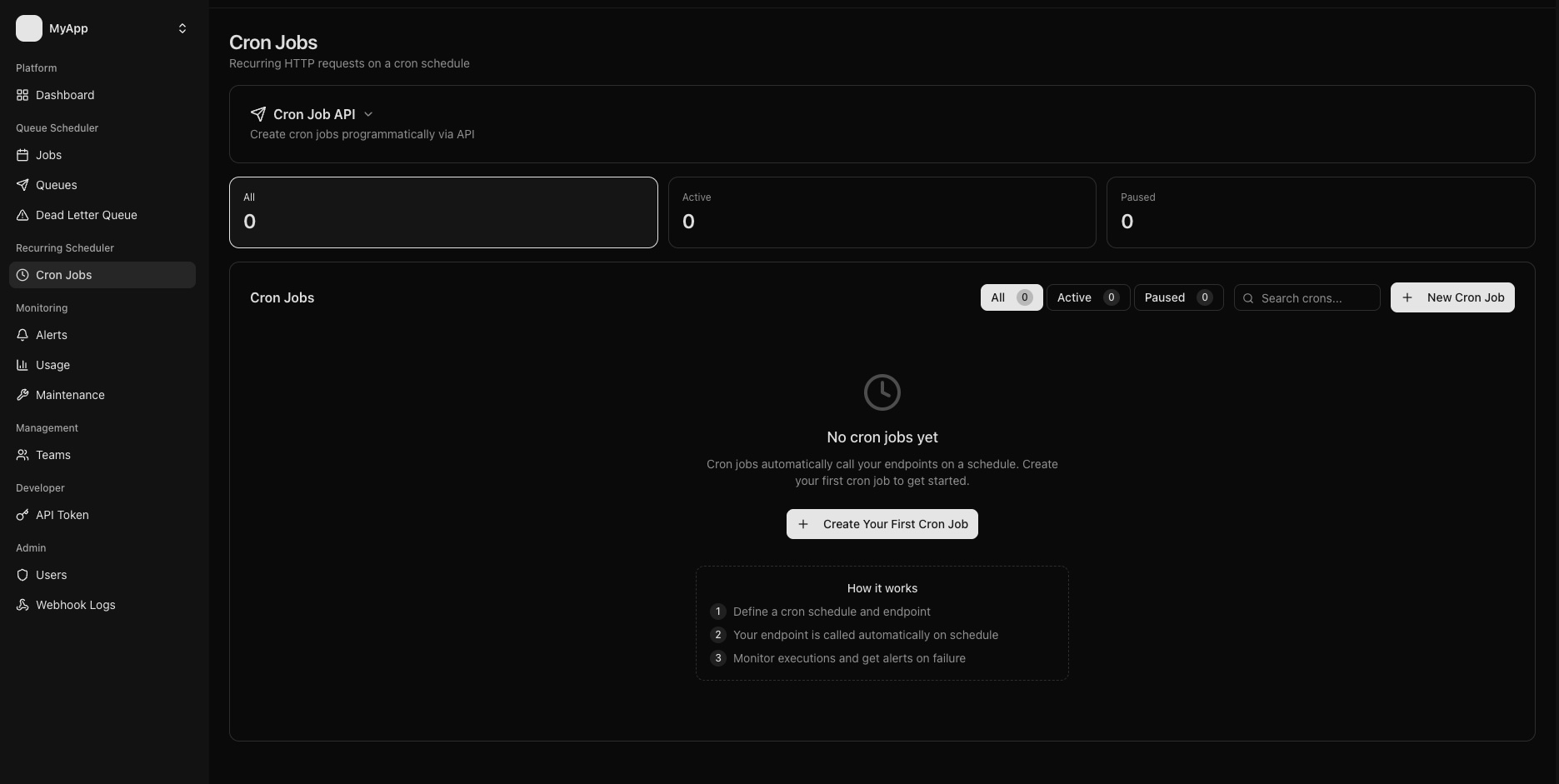
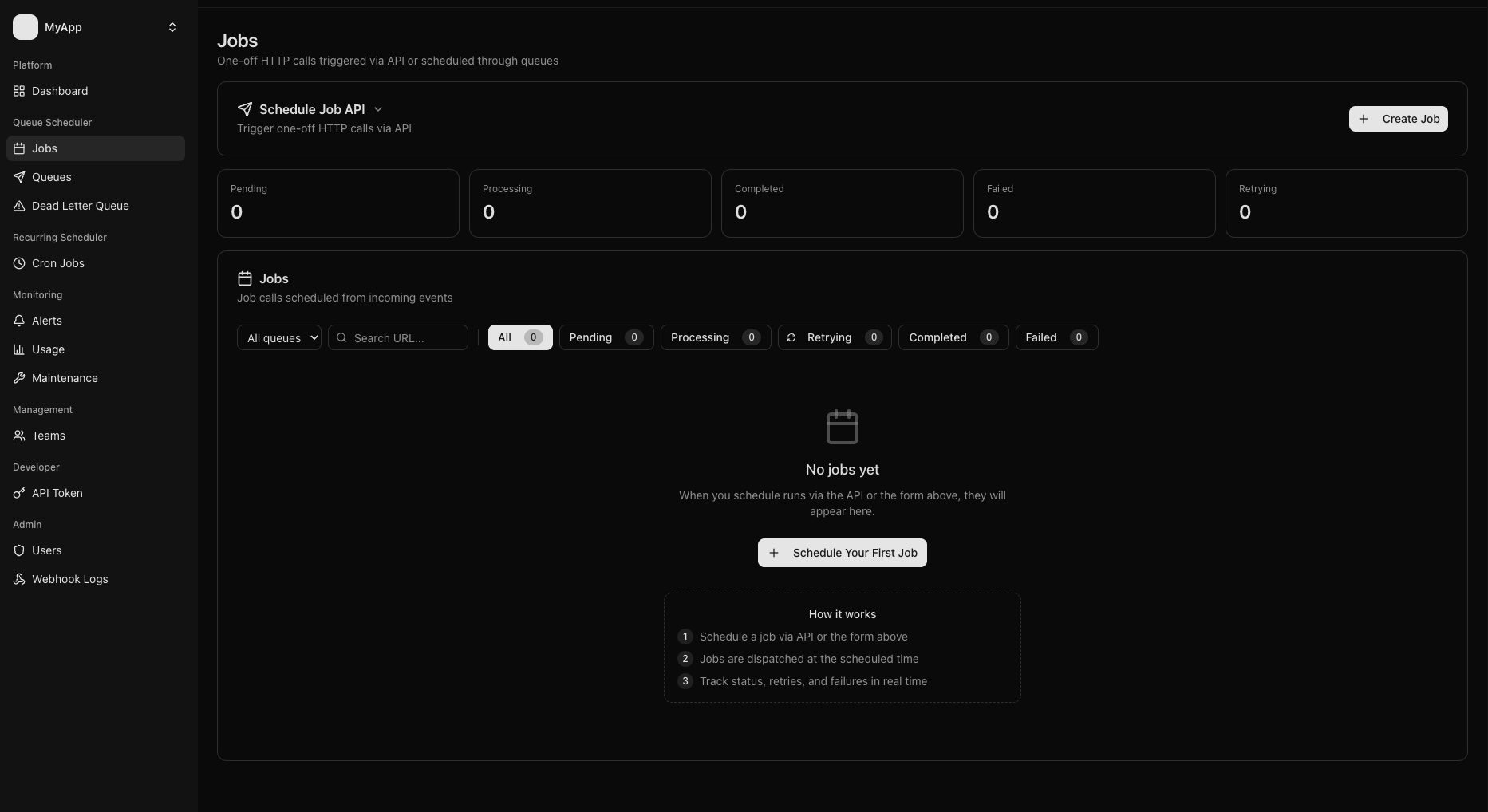
Instant Jobs

Fire and forget

Trigger any HTTP endpoint right now from your code. Fire and forget — we queue it, run it, retry on failure.

# Trigger from your backend
POST /api/jobs
queue: "onboarding"
url: "https://api.myapp.com/welcome"
payload: { "user_id": 42 }

Delayed Jobs

Run later, on your terms

Schedule a job to run in 5 minutes, 3 hours, or 7 days. Perfect for trial expiry emails, follow-ups, and time-sensitive workflows.

# Run in 3 hours
POST /api/jobs
queue: "reminders"
url: "https://api.myapp.com/follow-up"
delay: "3h"

Cron Jobs

Recurring, on a schedule

Recurring jobs on any schedule. Every hour, every Monday, first day of the month — standard cron expressions, fully logged.

# Run every day at 8am UTC
cron: "0 8 * * *"
url: "https://api.myapp.com/digest"
method: "POST"

Observability

Know exactly what's happening

Failed jobs, live alerts, and response time stats — all in one place.

Failed jobs

POST /api/send-email

2 min ago

500

GET /api/sync-users

14 min ago

503

POST /api/notify

1 hr ago

408

Each failure links to the full response body, headers, and retry history.

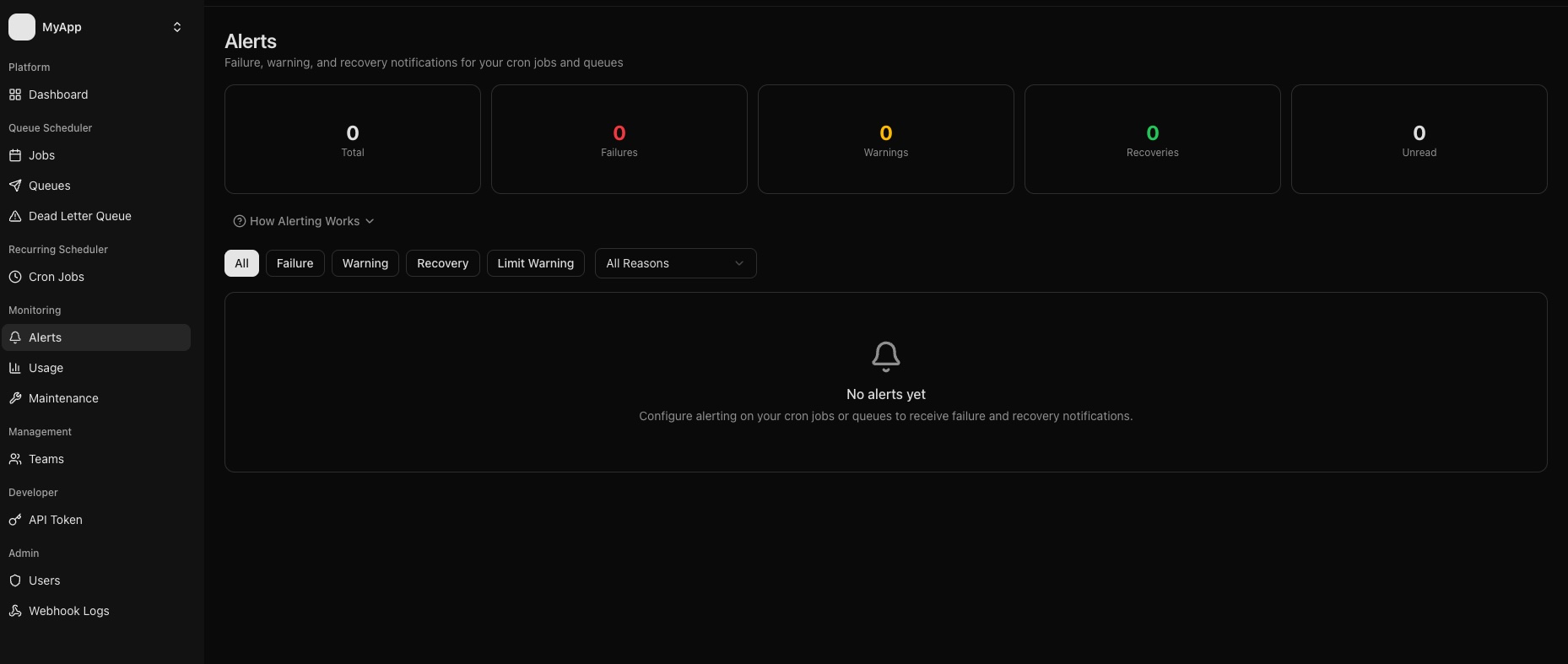
Alerts

Threshold hit

"onboarding" queue failed 3 times in a row. Job: POST /api/welcome

Today at 09:14

Recovered

"onboarding" queue is healthy again. Last run succeeded.

Today at 09:31

Set a failure threshold per queue. Get alerted, then notified when it recovers.

Response times

12 runs avg 312ms p99 890ms
Fastest 89ms
Slowest 1.2s
Success rate 98.3%

Per-queue and per-job stats. Spot slow endpoints before they become problems.

Dashboard

Everything in one dashboard

All your crons and jobs — statuses, queues, last run time — at a glance.

app.recurohq.com -- Jobs

Total runs

1,240

last 24h

Successful

1,198

96.6%

Failed

42

view all

Avg response

312ms

p99 890ms

Job Queue Status Last run Time
POST /api/send-digest emails completed 1 min ago 234ms
POST /api/sync-orders sync completed 3 min ago 891ms
GET /api/health monitoring failed 5 min ago ---
POST /api/send-welcome onboarding pending queued ---
POST /api/cleanup maintenance completed 12 min ago 112ms

Teams

One account, multiple teams

Separate your projects into teams — each with their own crons, queues, dashboards, and members. Keep production isolated from staging. Let clients see only their own jobs.

  • Invite teammates with admin or member roles
  • Each team sees only its own data
  • Separate dashboards and alert settings per team
  • Per-team API tokens for safe access control
A
Acme -- Production
Healthy
12 crons 4 queues
A
B
C
A
Acme -- Staging
Healthy
5 crons 2 queues
A
D
S
Side Project
Alert
2 crons 1 queues
A

Features

Everything included

Everything you need to run HTTP jobs reliably, from day one.

Cron schedules

Use any standard cron expression to run recurring HTTP calls. Every execution is logged -- timing, status, and response body.

On-demand jobs

POST to /api/jobs from your code to trigger any URL immediately or with a delay. Webhooks, callbacks, background work -- all covered.

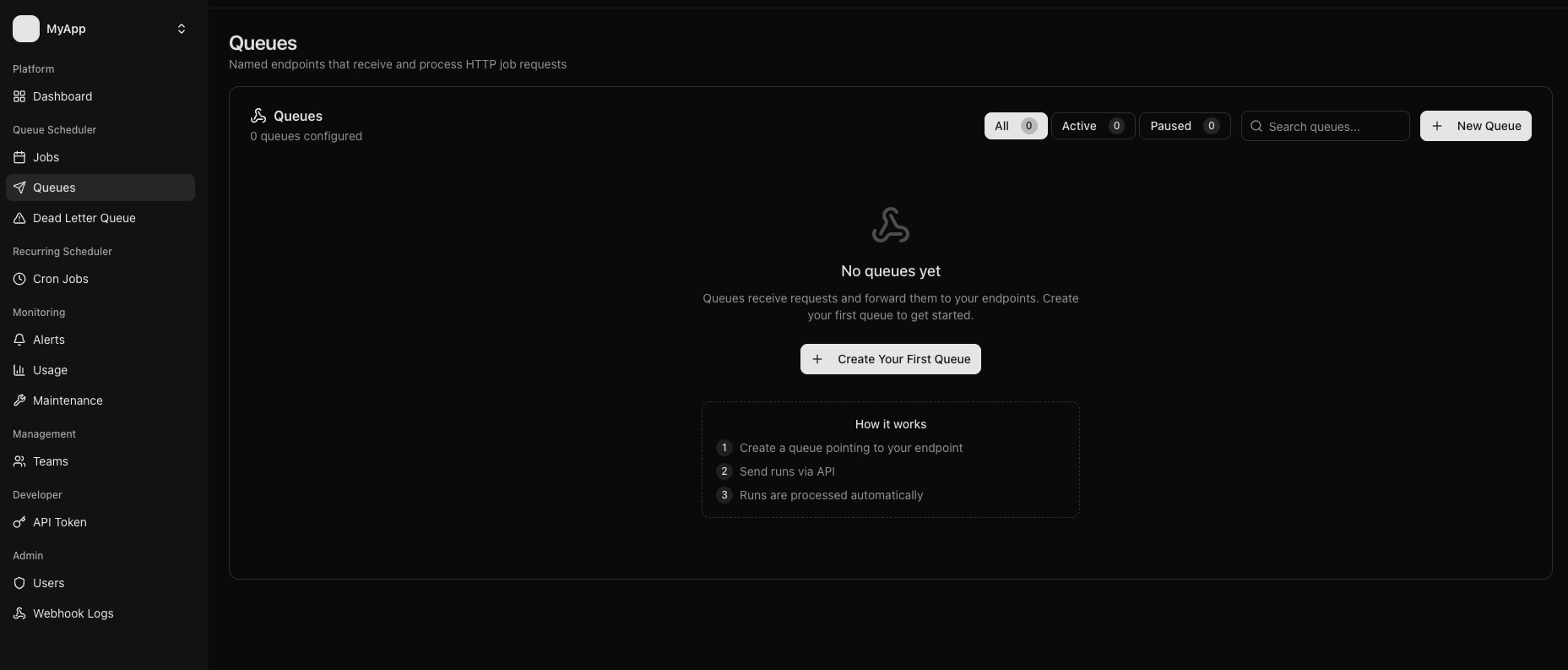
Automatic retries

Configure retry count and delay per queue. Failed calls are retried automatically -- transient errors never become permanent data loss.

Failure alerts

Set a consecutive failure threshold. Get alerted when it trips, and notified again when things recover.

Execution history

Every run logged: status code, response, latency, retry count. Full audit trail so you always know what happened and when.

Teams

Invite teammates with admin or member roles. Shared crons, queues, and dashboards -- no friction.

MCP Server

Works with your AI agent

Add Recuro as an MCP server and your agent can create crons, queue jobs, and check executions — no custom code needed.

mcp.json
{
  "mcpServers": {
    "recuro": {
      "command": "npx",
      "args": ["-y", "recuro-mcp"],
      "env": {
        "RECURO_API_TOKEN": "your_token_here"
      }
    }
  }
}

9 tools available

list_crons

List and filter crons

create_cron

Create a scheduled cron

get_cron

Get cron details

update_cron

Update cron config

delete_cron

Delete a cron

list_jobs

List and filter jobs

create_job

Queue a one-off job

get_job

Get job details

delete_job

Delete a job

Works with Claude Code Claude Desktop Cursor Windsurf VS Code Copilot Zed Any MCP client

Pricing

Simple, usage-based pricing

Pay for outgoing requests. No seat limits, no queue limits, no feature gates.

Every plan includes 1,000 free credits -- use them before your billing starts

Pro

$20 / month

10,000 requests / mo

For production apps and small teams.

  • 10,000 outgoing requests / month
  • Unlimited crons and queues
  • Full execution history
  • Failure alerts + recovery notices
  • Up to 3 teams
Get started

Team

$200 / month

100,000 requests / mo

For growing teams with serious workloads.

  • 100,000 outgoing requests / month
  • Unlimited crons and queues
  • Full execution history
  • Failure alerts + recovery notices
  • Unlimited teams
  • Priority support
Get started

Enterprise

$1,200 / month

1,000,000 requests / mo

For high-volume workloads at scale.

  • 1,000,000 outgoing requests / month
  • Unlimited crons and queues
  • Full execution history
  • Failure alerts + recovery notices
  • Unlimited teams
  • Dedicated support + SLA
Get started

Need a custom volume? Get in touch →

FAQ

Frequently asked questions

What is Recuro?

Recuro is a cloud-hosted HTTP job scheduler built for developers. It lets you run recurring cron jobs and on-demand HTTP requests without managing your own scheduler infrastructure. You define the URL, method, headers, and schedule -- Recuro handles execution, retries, logging, and alerting so you can focus on your application logic.

How does Recuro differ from a traditional cron server?

A traditional cron server requires you to provision, maintain, and monitor a dedicated machine. If it goes down, your jobs stop silently. Recuro runs your schedules in a managed cloud environment with built-in retry logic, failure alerts, and a full execution history -- so you never have to SSH into a box to check if your jobs actually ran.

Do I need to change my application code?

No. Recuro calls any publicly reachable HTTP endpoint you provide. If your app already has a route that does the work -- sending emails, syncing data, generating reports -- just point Recuro at that URL. There is nothing to install and no SDK required.

What happens when a scheduled job fails?

Recuro automatically retries failed jobs based on the retry count and delay you configure per queue. If a job keeps failing and hits your consecutive-failure threshold, you receive an alert. When it recovers, you get a recovery notification too. Every attempt is logged with the status code, response body, and latency so you can diagnose issues quickly.

Can I trigger jobs on demand instead of on a schedule?

Yes. Send a POST request to the Recuro API with the target URL, method, headers, and payload. The job is queued and executed immediately or after an optional delay. This is useful for webhooks, background processing, and event-driven workflows where a fixed cron schedule does not apply.

Is there a free trial?

Every plan includes 1,000 free credits to start -- no credit card required. Use them to test everything before your billing begins. Sign up to get started.