How to Send Scheduled HTTP Requests (Cron + Webhooks)
webhookshttp
Quick Summary — TL;DR
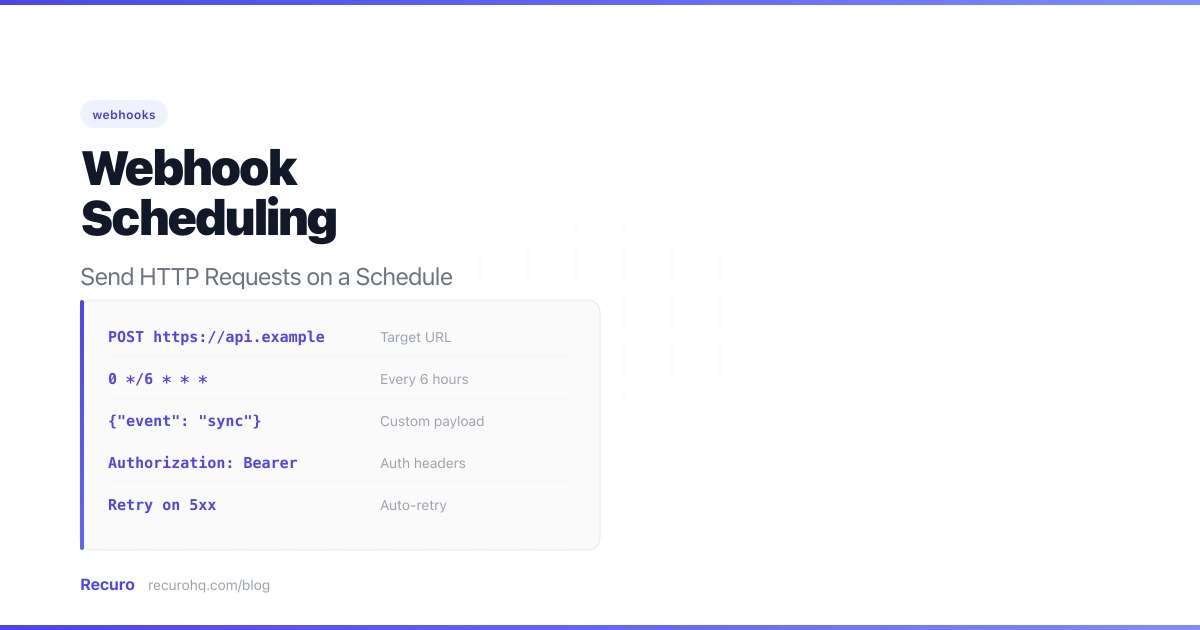
Sometimes you need to hit an HTTP endpoint on a schedule. Maybe it’s an API call that triggers a data sync, a POST request that refreshes a cache, or a webhook that kicks off a daily report. Whatever the use case, you need something that fires the request on time and tells you when it doesn’t.
This is different from event-driven webhook delivery, where a service pushes a notification the moment something happens (a payment succeeds, a commit is pushed). Scheduled HTTP requests are timer-driven: you define a cron expression and the system sends the request at that interval regardless of whether any event occurred. The term “webhook scheduling” is commonly used for this pattern, but what you’re really doing is scheduling outbound HTTP requests on a recurring timer.
Here’s how to set it up — from quick and dirty to production-grade.
A scheduled HTTP request is an outgoing HTTP call (GET, POST, PUT, etc.) that fires at predetermined intervals. Unlike incoming webhooks (where an external service pushes data to your endpoint when an event occurs), scheduled HTTP requests are outbound and time-based — your scheduler triggers an HTTP callback on a cron expression, calling someone else’s endpoint, or your own. If you’re unclear on how webhooks differ from standard APIs, see webhooks vs APIs for a complete comparison.
Common use cases:
The simplest approach — add a line to your crontab:
# Every hour, POST to the sync endpoint0 * * * * curl -sf -X POST https://api.example.com/sync -H "Authorization: Bearer YOUR_TOKEN"0 * * * * curl -sf -X POST https://api.example.com/sync \ -H "Authorization: Bearer YOUR_TOKEN" \ -o /dev/null -w "%{http_code}" \ >> /var/log/sync-cron.log 2>&1Most web frameworks have a task scheduler:
use Illuminate\Support\Facades\Http;use Illuminate\Support\Facades\Schedule;
Schedule::call(function () { Http::post('https://api.example.com/sync', [ 'since' => now()->subHour(), ]);})->hourly();import cron from 'node-cron';
cron.schedule('0 * * * *', async () => { await fetch('https://api.example.com/sync', { method: 'POST', headers: { 'Authorization': 'Bearer YOUR_TOKEN' }, });});app.conf.beat_schedule = { 'hourly-sync': { 'task': 'tasks.sync', 'schedule': crontab(minute=0), },}Pros:
Cons:
If you’re already on a major cloud provider, you can use their built-in scheduling services to fire HTTP requests on a cron schedule.
AWS EventBridge Scheduler lets you create one-time or recurring schedules that invoke targets including API Gateway endpoints, Lambda functions, or any HTTP endpoint via API destinations. You define the schedule as a cron or rate expression, and EventBridge handles invocation and retries.
Google Cloud Scheduler is a fully managed cron job service. You create a job with a cron expression, target URL, HTTP method, and headers. It supports retry configuration, dead-letter topics, and integrates with Pub/Sub and Cloud Functions.
Azure Logic Apps offers a recurrence trigger that fires on a schedule and can call any HTTP endpoint. You build the workflow visually or via ARM templates, with built-in retry policies and monitoring through the Azure portal.
Pros:
Cons:
Cloud schedulers are a reasonable choice if you’re already deep in one ecosystem and your schedules target services within the same cloud. For cross-cloud or cross-service scheduling, the operational overhead often outweighs the benefits.
An external scheduler takes a different approach: you define what to call and when, and the scheduler handles execution, retries, and monitoring independently of your application — regardless of where your endpoints live.
| Field | Example |
|---|---|
| URL | https://api.example.com/sync |
| Method | POST |
| Headers | Authorization: Bearer YOUR_TOKEN |
| Payload | {"since": "1h"} |
| Schedule | 0 * * * * (every hour) |
| Timeout | 30 seconds |
| Retries | 3 |
| Crontab + cURL | Framework scheduler | Cloud scheduler | External HTTP scheduler | |
|---|---|---|---|---|
| Setup complexity | Low — one line in crontab | Medium — requires app code and a persistent process | Medium — IAM roles, API destinations, cloud config | Low — web UI or API to define URL, method, and schedule |
| Reliability | Low — dies with the server, no retries | Medium — depends on your process staying alive | High — managed by cloud provider | High — independent of your infrastructure |
| Retries | None | Manual implementation | Configurable but provider-specific | Built-in with exponential backoff |
| Monitoring | None — check logs manually | DIY logging | Cloud-native dashboards | Execution logs, failure alerts, recovery alerts |
| Cost | Free (if you already have a server) | Free (if you already run the app) | Pay-per-invocation — can get complex | Subscription-based — predictable |
| Vendor lock-in | None | Tied to your framework | Tied to your cloud provider | None — calls any HTTP endpoint |
| Multi-service visibility | None | Per-app only | Per-cloud only | Single dashboard across all endpoints |
For one or two simple schedules on a server you already manage, crontab works. For schedules tightly coupled to application logic, a framework scheduler makes sense. For everything else — especially when you need reliability, retries, and visibility across multiple services — a cloud scheduler or external HTTP scheduler is the more practical choice.
Many scheduled HTTP requests need authentication headers or a JSON payload. Make sure your scheduling solution supports:
Authorization, Content-Type, X-Api-Key, etc.If you’re using crontab + cURL, this means long, fragile command lines. A managed scheduler gives you a form or API to configure these cleanly.
HTTP requests fail. Networks are unreliable, servers go down, and deployments break endpoints. Your scheduling setup needs to handle this gracefully:
If your scheduler is sending requests to your own API, you need to verify that the request is actually coming from your scheduler and not from an attacker:
Authorization headerAt minimum, use an API token in the Authorization header. Don’t leave scheduled endpoints open to the public internet.
Cron expressions don’t include timezone information. If your scheduler runs in UTC (most do) and you need a job to fire at “9 AM New York time,” you have to account for daylight saving:
0 14 * * * (UTC)0 13 * * * (UTC)For jobs where exact local time matters (sending a 9 AM email, triggering a billing run at midnight ET), use a scheduler with timezone support. For everything else, schedule in UTC and don’t worry about it.
Don’t wait for the schedule to fire to find out your webhook is misconfigured. Before enabling a schedule:
curl -X POST https://api.example.com/sync \ -H "Authorization: Bearer YOUR_TOKEN" \ -H "Content-Type: application/json" \ -d '{"since": "1h"}' \ -w "\nHTTP Status: %{http_code}\nTime: %{time_total}s\n"Recuro is a managed HTTP scheduler. Define your URL, method, headers, payload, and cron schedule — it handles execution, retries, and alerting:
A cron job is a general-purpose task scheduler — it runs any command on a timer. A scheduled webhook (or scheduled HTTP request) is a specific type of cron job that sends an HTTP request to a URL at each interval. You can implement a scheduled webhook using crontab with cURL, a framework scheduler, a cloud-native scheduler like AWS EventBridge, or a dedicated external HTTP scheduling service.
Use a cloud-native scheduler or an external HTTP scheduling service. AWS EventBridge Scheduler, Google Cloud Scheduler, and Azure Logic Apps can all fire HTTP requests on a cron schedule without you managing a server. Alternatively, a dedicated service like Recuro lets you define the URL, method, headers, and schedule through a web UI or API — no infrastructure required.
No. Event-driven webhooks fire when something happens — a payment succeeds, a form is submitted, a deploy completes. The trigger is an event. Scheduled HTTP requests fire on a timer regardless of whether anything happened. They are time-driven, not event-driven. The term 'webhook scheduling' is sometimes used loosely, but the underlying mechanism is closer to a cron job that makes HTTP calls.
At minimum, log every execution with the HTTP status code, response time, and timestamp. Better solutions also track consecutive failures and send alerts when a threshold is exceeded, then send a recovery notification when the endpoint starts responding again. If you use crontab, you need to build this yourself. Framework schedulers, cloud schedulers, and external HTTP schedulers offer varying degrees of built-in monitoring.
That depends on your setup. Crontab with cURL does nothing — the request fails silently unless you added logging. Framework schedulers may log the error but typically do not retry. Cloud schedulers and external HTTP schedulers usually offer configurable retry policies with exponential backoff. Regardless of tool, make sure your receiving endpoint is idempotent so that retried requests do not cause duplicate side effects.
Cloud-native schedulers like AWS EventBridge or Google Cloud Scheduler are designed for their own ecosystem. They can technically call any public URL, but managing schedules across multiple clouds means using multiple dashboards with no unified view. An external HTTP scheduler is cloud-agnostic — it calls any endpoint regardless of where it is hosted, and gives you a single dashboard for all your schedules.
Recuro handles cron scheduling, retries, alerts, and execution logs — so you can focus on building your product.
No credit card required