Webhooks vs APIs: Which One Should You Use? (Decision Guide)
webhooksapiarchitecture
Quick Summary — TL;DR
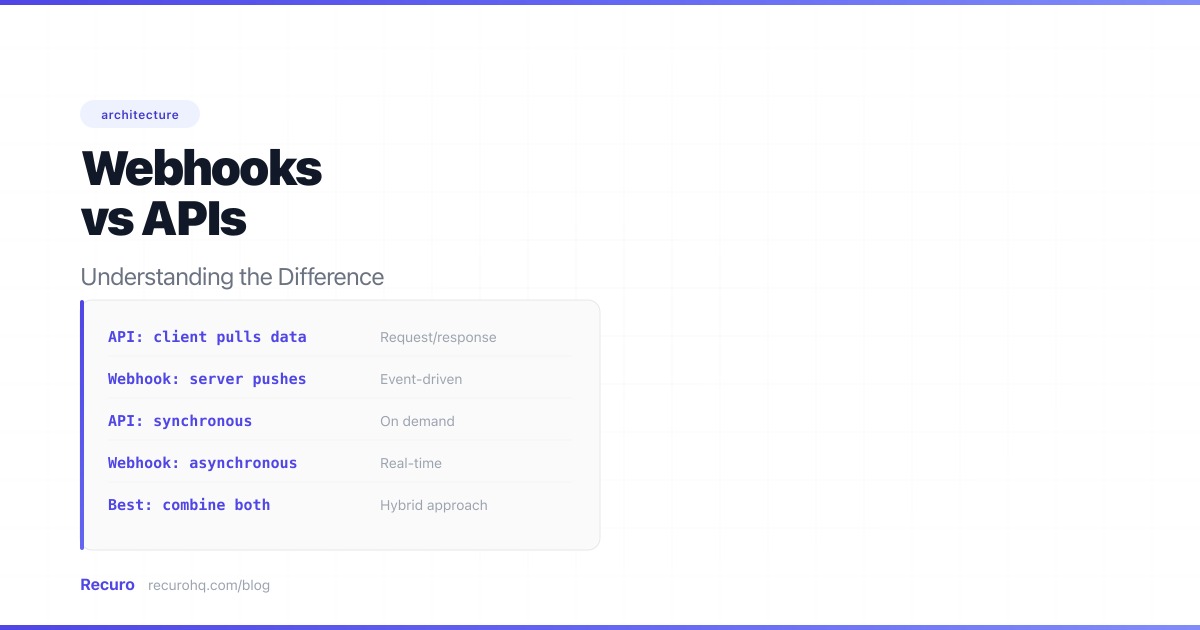
APIs and webhooks are two sides of the same HTTP coin. One pulls data. The other pushes it. Most developers encounter APIs first, then discover webhooks when polling becomes unsustainable. But the two are not competing patterns — they are complementary tools that solve different problems.
This guide breaks down what each one is, how they differ, when to use which, and how they work together in real systems.
An API (Application Programming Interface) is a request-response interface. Your application sends an HTTP request to a server, and the server sends back a response. You initiate the conversation. You decide when to ask. The server waits for your call.
// Fetch a user's recent orders from an APIasync function getRecentOrders(userId) {  const response = await fetch(    `https://api.store.com/v1/users/${userId}/orders?limit=10`,    {      headers: {        'Authorization': 'Bearer sk_live_abc123',        'Content-Type': 'application/json',      },    }  );
  if (!response.ok) {    throw new Error(`API error: ${response.status}`);  }
  return response.json();}
// You call this when YOU need the dataconst orders = await getRecentOrders('user_42');
The pattern is always the same: your code makes a request, waits for a response, and processes the result. Whether it is a REST API, GraphQL endpoint, or RPC service, the client initiates every interaction.
A webhook is an HTTP callback. Instead of you calling the server, the server calls you. You register a URL with the service, and when an event occurs, the service sends an HTTP POST to your URL with the event data.
// Express.js webhook receiverimport express from 'express';import crypto from 'crypto';
const app = express();app.use('/webhooks', express.raw({ type: 'application/json' }));
app.post('/webhooks/payments', (req, res) => {  // Verify the webhook signature  const signature = req.headers['x-webhook-signature'];  const expected = crypto    .createHmac('sha256', process.env.WEBHOOK_SECRET)    .update(req.body)    .digest('hex');
  if (!crypto.timingSafeEqual(Buffer.from(signature), Buffer.from(expected))) {    return res.status(401).send('Invalid signature');  }
  const event = JSON.parse(req.body);
  // Acknowledge immediately  res.status(200).json({ received: true });
  // Process asynchronously  queue.add('handle-payment-event', { event });});
You do not call this endpoint. The payment provider does, the moment a payment succeeds, fails, or is refunded. The data comes to you.
The difference is intuitive when you think about it in everyday terms.
API = calling the restaurant to ask if your table is ready. You pick up the phone, dial, wait for someone to answer, ask your question, get a response. If the table is not ready, you hang up and call again in 10 minutes. You keep calling until you get the answer you want. Every call costs your time, even when the answer is “not yet.”
Webhook = the restaurant texts you when your table is ready. You give them your phone number (register your URL), and they send you a message when the event occurs. You do not have to keep checking. The notification arrives the moment it is relevant. Zero effort on your part between registration and notification.
This analogy maps directly to how polling compares to webhooks. Polling is the API-based version of calling the restaurant every few minutes. Webhooks eliminate the repeated calls entirely. For a deeper comparison of these two data retrieval patterns, see webhooks vs polling.
| Factor | API (request-response) | Webhook (event-driven) |
|---|---|---|
| Who initiates | Client (your code) | Server (the event source) |
| Data flow direction | Pull — you request data | Push — data is sent to you |
| Timing | On-demand — whenever you call | Real-time — when the event occurs |
| Latency | Depends on when you ask | Near-instant (milliseconds after the event) |
| Resource efficiency | Can waste requests if polling | Every HTTP call carries useful data |
| What you need | API credentials (key, token, OAuth) | A publicly accessible URL |
| Capabilities | Read, create, update, delete | Receive notifications only |
| Error handling | You handle retries on your side | Source handles retries; you handle idempotency |
| Debugging | Easy — you control the request | Harder — events arrive asynchronously |
| Security model | Auth headers on outbound requests | Signature verification on inbound requests |
APIs are the right tool in these scenarios.
When a user loads their dashboard, you need their account data now — not whenever the server feels like sending it. APIs let you fetch exactly what you need at the exact moment you need it.
Webhooks only notify. They cannot create a customer, cancel a subscription, or ship an order. Any time you need to do something on a remote system — not just be told something happened — you need an API call.
# Create a customer via API — webhooks can't do thisimport requests
response = requests.post( 'https://api.stripe.com/v1/customers', headers={'Authorization': 'Bearer sk_live_abc123'}, data={ 'name': 'Jane Smith', })
customer = response.json()Many APIs have no webhook support. If the only way to get data is a REST endpoint, you call the API. No point wishing for a push notification that does not exist.
APIs give you query parameters, pagination, filtering, and sorting. You can ask for “the 10 most recent orders over $100 in the last 7 days.” Webhooks send you every event; you cannot filter at the source.
Sometimes you want a snapshot: the current inventory count, the user’s balance, the status of a deployment. APIs return the current state. Webhooks send incremental changes, which means you have to reconstruct state from a stream of events — error-prone and complex.
Webhooks win when you need to react to events in real time without wasting resources.
Payment confirmations, chat messages, CI/CD build results, order status changes — anything where a delay of even 30 seconds is unacceptable. Polling at aggressive intervals burns API quota. Webhooks deliver in milliseconds.
If you are calling an API every 30 seconds to check for new data, and 99% of those calls return nothing new, you are wasting compute, bandwidth, and rate limit headroom. Switch to a webhook event subscription and eliminate the waste.
If your system is designed around events — service A emits an event, services B and C react — webhooks are the natural inter-service notification mechanism. They map directly to the outbound webhook pattern where a system notifies external consumers of state changes.
Every poll request counts against your API quota. Webhooks use zero quota on the source API because the source initiates the request. If you are bumping up against rate limits, switching from polling to webhooks eliminates the majority of your API calls.
In practice, APIs and webhooks are not either/or. The strongest integrations use both, at different stages.
You do not register webhooks by shouting your URL into the void. You call the service’s API to create a webhook subscription.
// Register a webhook endpoint via the Stripe APIconst response = await fetch('https://api.stripe.com/v1/webhook_endpoints', {  method: 'POST',  headers: {    'Authorization': 'Bearer sk_live_abc123',    'Content-Type': 'application/x-www-form-urlencoded',  },  body: new URLSearchParams({    'url': 'https://yourapp.com/webhooks/stripe',    'enabled_events[]': 'payment_intent.succeeded',    'enabled_events[]': 'customer.subscription.deleted',  }),});
const endpoint = await response.json();// Save endpoint.secret for signature verificationThe service POSTs webhook events to your URL as they happen. Your inbound webhook handler verifies the signature, acknowledges receipt, and queues the event for processing.
Many webhook payloads are intentionally slim — they contain an event type and a resource ID, not the full resource. This is a deliberate security practice (see how to secure webhook endpoints). Your handler then calls the API to fetch the complete data.
# Webhook delivers a slim notification# {#   "type": "payment_intent.succeeded",#   "data": { "object": { "id": "pi_abc123" } }# }
# Your handler calls the API for full detailsdef handle_payment_webhook(event):    payment_id = event['data']['object']['id']
    # Fetch the full payment object via API    payment = stripe.PaymentIntent.retrieve(payment_id)
    # Now you have the complete data: amount, currency,    # customer, metadata, charges, etc.    process_payment(payment)
This pattern — webhook for notification, API for data retrieval — is how Stripe, GitHub, Shopify, and most major platforms recommend building integrations. The webhook tells you something happened. The API tells you the full details.
Here is a concrete side-by-side: checking for new orders via API polling versus receiving them via webhook.
// Poll for new orders every 60 secondslet lastChecked = new Date().toISOString();
setInterval(async () => {  try {    const response = await fetch(      `https://api.store.com/v1/orders?since=${lastChecked}`,      { headers: { 'Authorization': 'Bearer sk_live_abc123' } }    );    const orders = await response.json();
    for (const order of orders.data) {      await processOrder(order);    }
    if (orders.data.length > 0) {      lastChecked = new Date().toISOString();    }  } catch (err) {    console.error('Poll failed:', err.message);  }}, 60_000);
Tradeoffs: Simple to implement. No public endpoint needed. But you waste up to 99% of requests on empty responses, you have up to 60 seconds of latency, and you burn API quota on every tick. See webhooks vs polling for the full efficiency analysis.
// Receive order events as they happenapp.post('/webhooks/orders', (req, res) => {  if (!verifySignature(req.body, req.headers['x-signature'], SECRET)) {    return res.status(401).end();  }
  const event = JSON.parse(req.body);  res.status(200).json({ received: true });
  // Process asynchronously  queue.add('process-order', { order: event.data });});
Tradeoffs: Real-time delivery, zero wasted requests. But you need a public endpoint, you must verify signatures, and you need to handle retries and idempotency. You also need to handle the case where the webhook provider is down — a reconciliation poll as a fallback.
APIs and webhooks have fundamentally different security models because the trust direction is reversed.
You are the client. You authenticate with the server.
Authorization headerThe server is the client. You receive requests from the outside.
/webhooks/stripe/a8f3k9x2)For a full implementation guide on webhook security, see how to secure your webhook endpoints.
The core difference: with APIs, you prove your identity to the server. With webhooks, the server proves its identity to you.
Polling when webhooks are available. If the service offers webhooks, use them. Polling wastes resources and adds latency. Only poll as a reconciliation fallback, not as the primary data channel.
Treating webhook payloads as trusted input. A webhook endpoint is a public URL. Without signature verification, anyone can POST fake data to it. Always verify before processing.
Processing webhooks synchronously. If your webhook handler takes 10 seconds to process an event, the provider will time out, mark it as failed, and retry — creating duplicates. Acknowledge fast, process in a background queue.
Not handling duplicates. Webhook providers retry on failure. Network hiccups cause retries. You will receive the same event more than once. If your handler is not idempotent, you will double-charge customers or send duplicate emails.
Ignoring webhook failures. If your webhook endpoint goes down for an hour, you miss events. Without a reconciliation strategy (periodic API poll), those events are lost. The best systems use webhooks as the primary channel and polling as the safety net.
If your integration relies on polling an API on a schedule, Recuro can handle the scheduling, retries, and failure alerts so you do not have to build that infrastructure yourself. Define a cron expression, point it at a URL, and every execution is logged with status code, response body, and timing. Create a free account and try it in under a minute.
An API is a request-response interface where your code sends an HTTP request and receives a response — you initiate the call when you need data. A webhook is an event-driven callback where a server sends an HTTP POST to your URL when something happens — the server initiates the call when an event occurs. APIs pull data on demand. Webhooks push data in real time.
No. Webhooks can only notify you that something happened — they cannot create, update, or delete resources on a remote system. You still need APIs for taking actions (creating customers, processing refunds, updating records) and for fetching data on demand. Most integrations use webhooks for real-time notifications and APIs for commands and data retrieval.
For receiving event notifications, yes. A webhook delivers data within milliseconds of an event occurring. With an API, you would need to poll at regular intervals, introducing latency equal to up to the full polling interval. However, for on-demand data retrieval — such as loading a user's profile when they visit a page — an API call is the correct approach because you need the data at a specific moment, not when an event happens.
Typically yes. You usually register your webhook URL through the provider's API, and you often call the API after receiving a webhook to fetch the full resource data. Webhooks and APIs are complementary — webhooks tell you something happened, and the API gives you the complete details.
Verify every incoming request by checking its HMAC signature against a shared secret using constant-time comparison. Reject requests with timestamps older than 5 minutes to prevent replay attacks. Make your handler idempotent by tracking processed event IDs to handle duplicate deliveries safely. Use HTTPS, return 200 immediately, and process the event asynchronously in a background queue.
Use polling when the data source does not support webhooks, when you need full state snapshots instead of incremental events, when you need to control the exact timing of data retrieval, or when events happen more frequently than you need to process them. Polling is also the right reconciliation fallback to catch any webhook deliveries that were missed due to network issues or downtime.
A Stripe integration is a textbook example. You call the Stripe API to create a payment intent. Stripe processes the payment asynchronously and sends a webhook to your endpoint when it succeeds or fails. Your webhook handler verifies the signature, then calls the Stripe API to retrieve the full payment details. The API handles actions and data retrieval; the webhook handles real-time notification.
Recuro handles cron scheduling, retries, alerts, and execution logs — so you can focus on building your product.
No credit card required